
Coming soon to the App Store
Paint with confidence.
Turn a photo into a practical painting study. Simplify color shapes, see value and temperature, then translate sampled colors into real-paint mixing recipes.Designed for painters
Photos processed on device
Custom physical paint palettes
Studies saved automatically
A better way to observe
PainterLab keeps the image at the center of the study, so every tool helps answer a practical painting question.One photo. Four ways to see.
01
Simplify the scene
Organize a complex reference into clear color shapes using natural, limited-palette, or region-based views.02
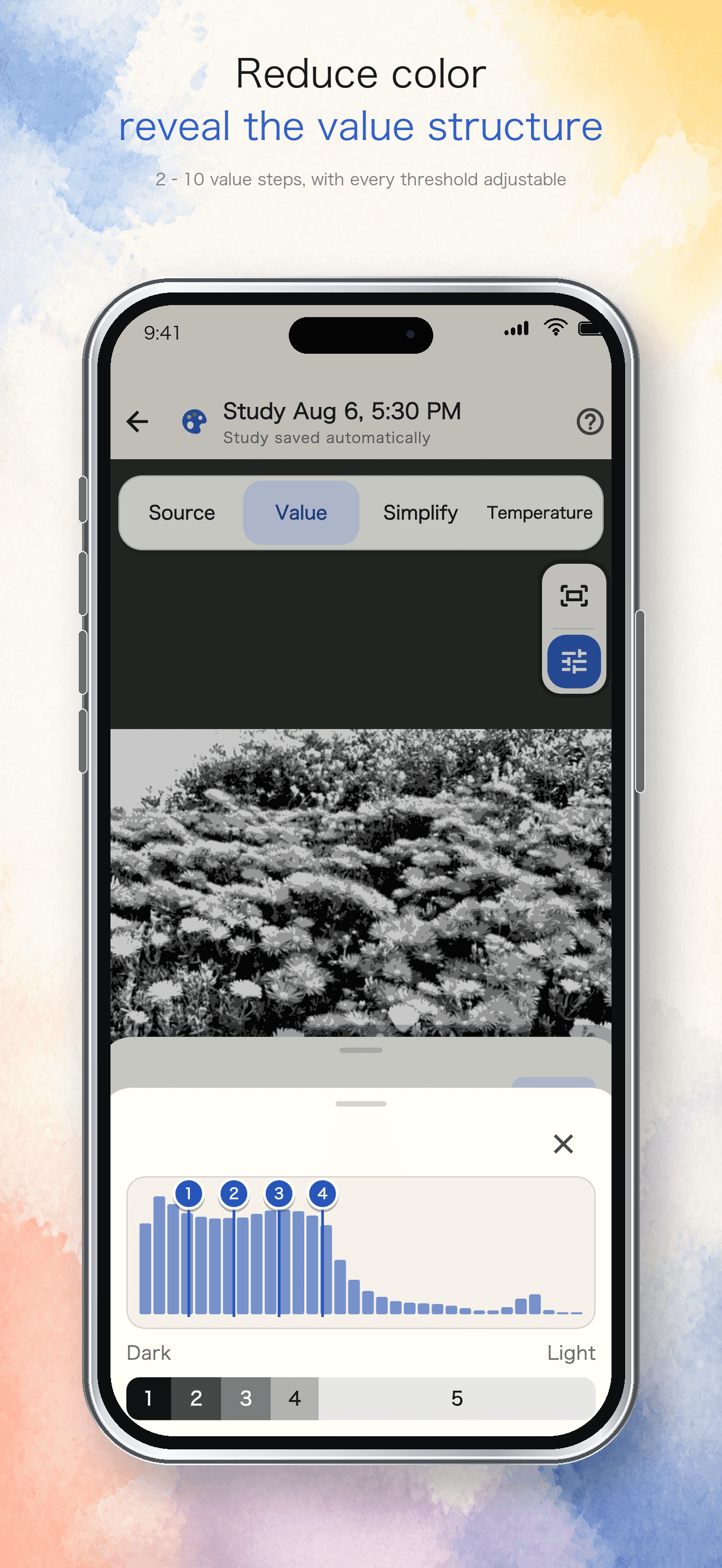
See the value structure
Reduce color distraction with adjustable 2–10 step value studies, a histogram, and Notan-friendly views.03
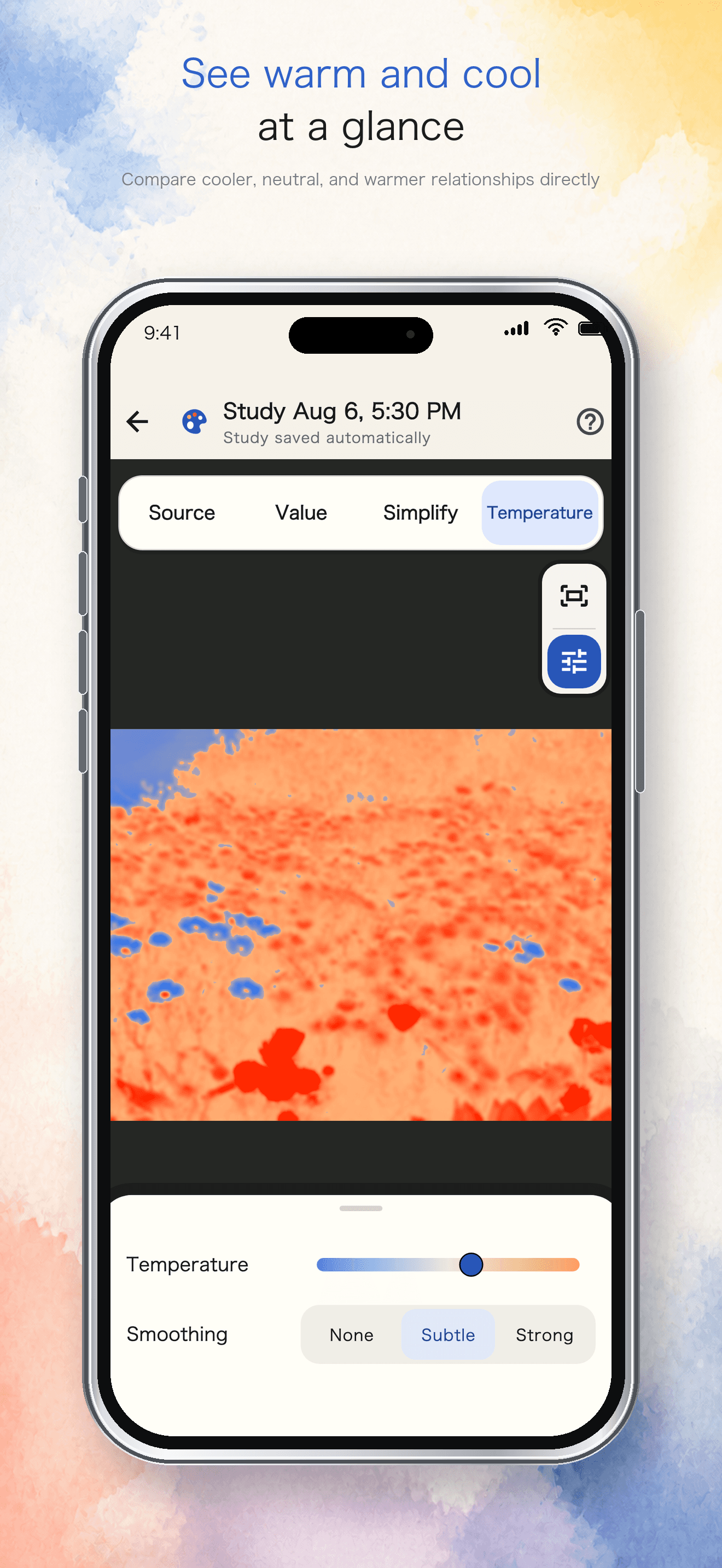
Compare warm and cool
Reveal temperature relationships across the image and tune the balance between cool, neutral, and warm.04
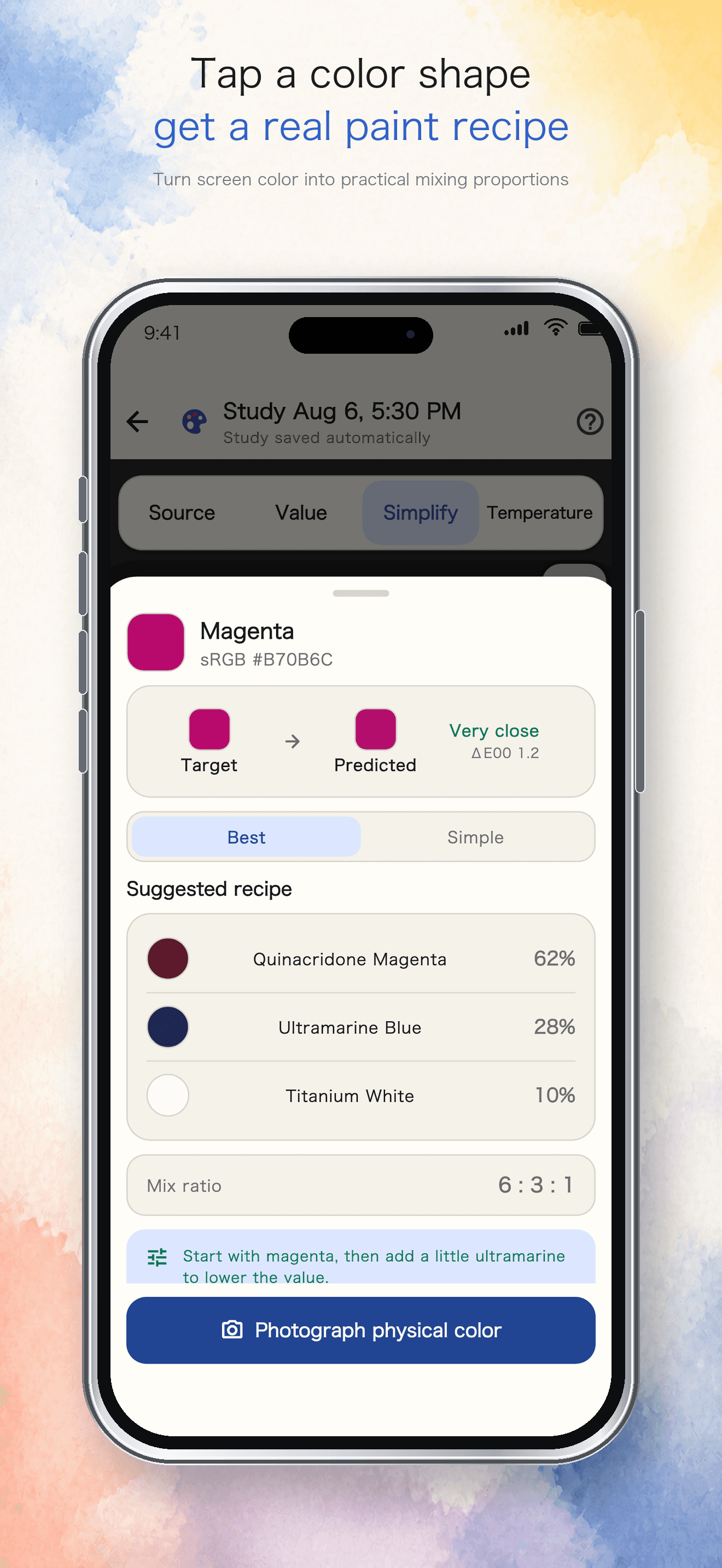
Mix with real paints
Sample a color shape, choose the paints you own, and get a practical recipe with mixing proportions.Inside PainterLab
The reference stays visible. The insight gets clearer.
Switch between complementary study views without losing the image, position, or context you are working from.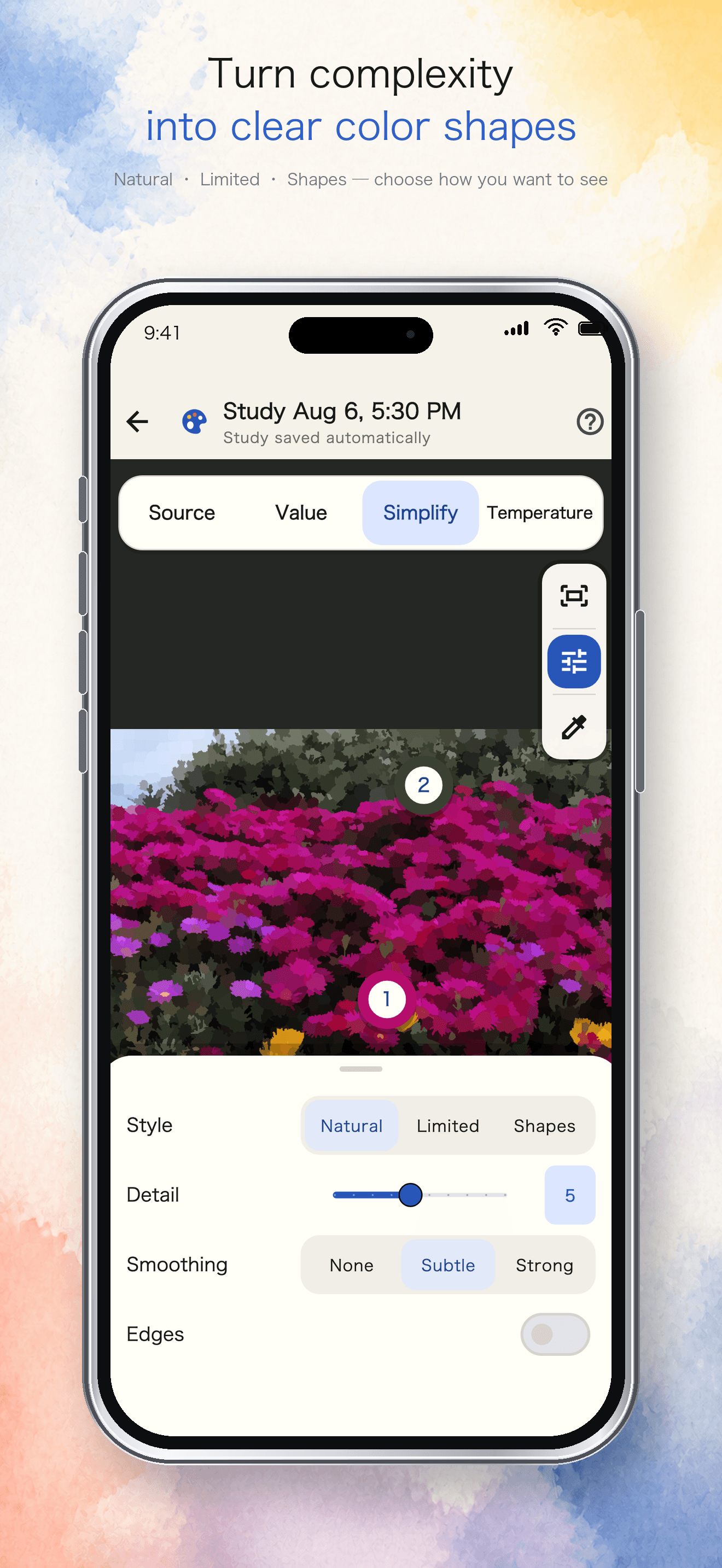
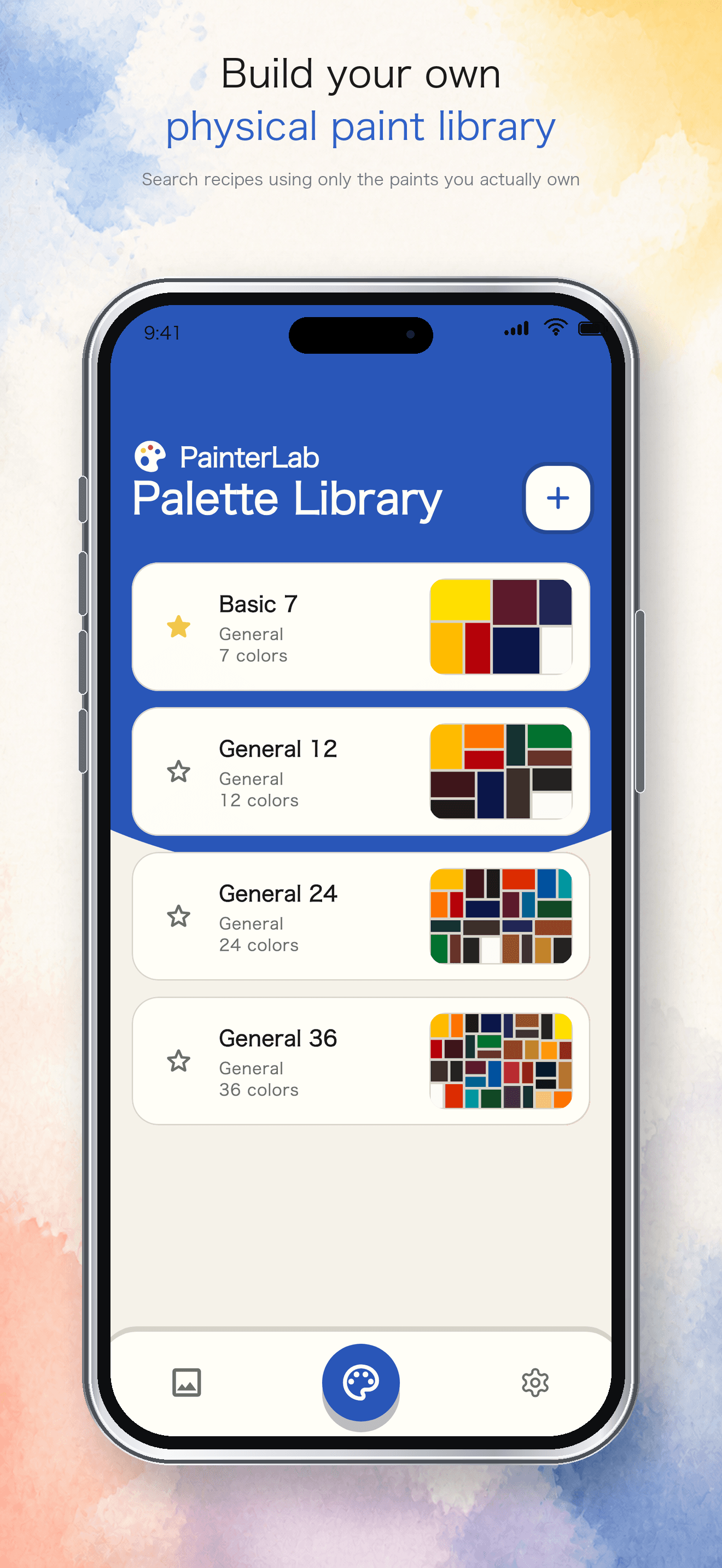
Your paints, not a generic palette
Build recipes from the colors you actually own.
Create physical paint palettes, select a sampled target color, and compare suggested combinations. Photograph the mixed paint to judge the result under your real lighting.A practical guide, not a promise of an exact matchPigment batches, surfaces, lighting, camera capture, and screen calibration all affect the final color. PainterLab helps you start closer and adjust with intention.
Privacy-conscious by design
Your reference photos stay on your device.
PainterLab processes study images locally and does not require an account. Read the privacy policy or contact support if you have a question before using the app.